 3:45
3:45
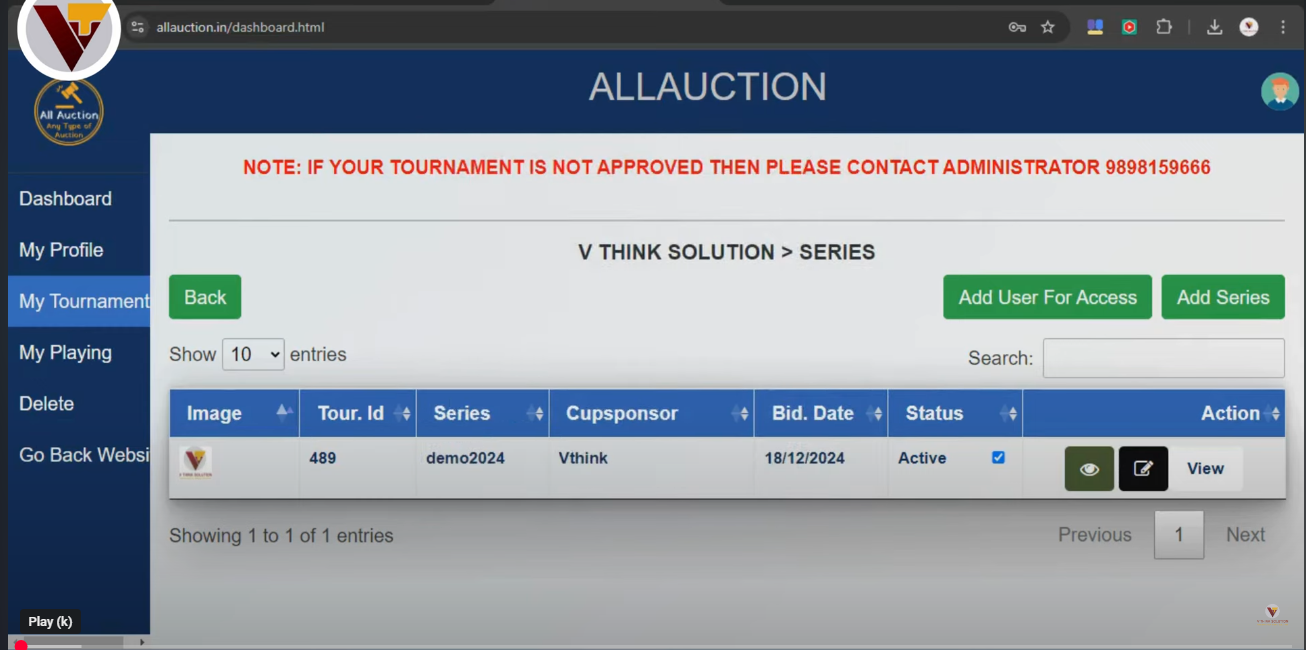
1. Create a Tournament
Learn how to configure league rules, set player registrations, and activate base values quickly.
Watch our complete video guides and learn how to configure tournaments, manage player categories, operate live bidding screens, and stream high-stakes auctions like a pro.
 3:45
3:45
Learn how to configure league rules, set player registrations, and activate base values quickly.
 4:20
4:20
Track real-time budget balances, configure player category limits, and handle points deduction.
 5:10
5:10
Configure dual-bezel TV screens, sync live player profiles, and output statistics to projectors.
Organizing a cricket player auction requires the right tools, careful planning, and a deep understanding of tournament dynamics. Whether you are running a local league or hosting a corporate tournament, your goal is to recreate the high-stakes, exciting atmosphere of professional drafts like the IPL. With AllAuction.in, hosting an immersive, real-time online bidding war is simple, flexible, and visually stunning. This comprehensive guide details the key steps and strategies to optimize your setup, engage bidders, and manage your tournament roster like a pro.
The foundation of any successful player draft is a well-thought-out tournament structure. Before you begin the live bidding process, you must define the core league rules:
Budget management is what drives the strategy during a draft. Managers must weigh the option of buying expensive star players against building a deep, well-balanced roster.
AllAuction provides real-time budget tracking to prevent managers from spending beyond their limits. When a manager places a bid, the system automatically checks their remaining purse and category constraints. To make this work smoothly, configure your bid increments beforehand. For instance, you might use smaller increments for lower-priced players and larger jumps once bidding crosses a specific threshold. This keeps the auction moving at a fast, thrilling pace.
To truly capture the grandeur of a professional draft, visual presentation is key. AllAuction supports dual-bezel TV configurations, live bidder consoles, and full-screen projector displays.
By connecting a second monitor or broadcasting to an LED wall, you can show live bidding changes, player profiles, statistics, and team roster updates to the entire room or stream it live to online audiences. Ensure your display setup is configured and tested beforehand. Test your browser's fullscreen mode and adjust resolution settings to make sure all stats, team logos, and player photos display cleanly without scaling issues.
AllAuction uses high-performance WebSocket connections to push live bid updates instantly to all connected screens. This ensures zero latency between the bidding console and the public dashboard, preventing out-of-order or duplicate bids.
Yes. The dashboard allows administrators to upload custom player rosters via CSV or excel sheets, where you can specify custom categories, base values, and player photos for each individual participant.
Absolutely. Because AllAuction runs entirely in the cloud, bidder representatives can join from anywhere in the world. They only need their unique bidder login credentials to participate in the live bidding war in real time.
The system enforces strict budget caps. If a bid exceeds a franchise's remaining wallet, the transaction is instantly rejected. Administrators also have a "Rollback Bid" tool to correct accidental inputs immediately.
Take full control of team creations, bidder tables, and custom bidding rules. Step onto the field and host your professional IPL-style draft board instantly.
Create An Auction Now